1The club is a safe, daily, hero-led adventure for kids2Three heroes3Membership is free
Welcome to the Trinity Rich Kids Club. This short tutorial walks you through how to join, what your kid will do each day, and every feature available to families, kids, and chapter leaders.
The club is a safe, daily, hero-led adventure for kids.
Three heroes — Harvest Hulk, Sage Sol, and Grace Guardian — guide three short missions a day: Body, Mind, and Spirit.
Membership is free. Optional monthly offerings help cover kids who can't afford to give.
Step 1 · Chapter 2 of 10
How to join the club
Narrated
2
Visual guide
How to join the club
1Tap the Join the Club button on the Rich Kids Club home page2Create a parent account using your email3Confirm your email when the link arrives
To join, tap Join the Club. Create one parent account with your email, then add each kid's first name and age. You can add as many kids as you have and switch between them anytime from the kid switcher in the app header. Email verification keeps strangers out. The whole signup takes under a minute.
Tap the Join the Club button on the Rich Kids Club home page.
Create a parent account using your email — no social logins required.
Confirm your email when the link arrives. This keeps the club safe.
Add your first kid's name and age — then add siblings from the same parent account whenever you're ready.
Use the kid switcher in the app header to flip between kids; each one has their own badges, streak, and missions.
Each day, open the club once. Morning: a five-minute power-up with Harvest Hulk. Midday: a story read by Sage Sol plus a thought of the day. Evening: a small Fruit of the Spirit action with Grace Guardian. Three high-fives, one stronger kid.
Morning — five power-up moves and pick today's Rainbow Plate color.
Midday — tap Play and Sage Sol reads the story aloud.
Evening — do one small kindness, then check it off to earn a Heart Coin.
All videos play right on the site — no need to open YouTube.
1Complete daily missions to earn badge progress automatically2Open the Badges page to see what's unlocked and what's next3Tap a badge to share it with grandparents and friends
Every mission your kid completes earns progress toward badges. Twelve starter badges cover all three pillars — Mighty Body, Rainbow Plate, All Nine Fruits, Kid Who Helps Kids, and more. Parents can share a badge to family chat with one tap.
Complete daily missions to earn badge progress automatically.
Open the Badges page to see what's unlocked and what's next.
Tap a badge to share it with grandparents and friends.
1If your kid was invited, tap the invite link and confirm with parental consent2If you're starting one, sign up as a leader and you'll get a join code to share3Leaders can invite other Kids Club members who aren't in a group yet
A Chapter is a small group of kids — usually from one church, school, or neighborhood. A grown-up leader runs it. Kids can share videos, see each other's badges, and cheer each other on. No public profiles. No direct messages. Ever.
If your kid was invited, tap the invite link and confirm with parental consent.
If you're starting one, sign up as a leader and you'll get a join code to share.
Leaders can invite other Kids Club members who aren't in a group yet.
Kids without a chapter can request to join one — with parental consent.
1Leaders: paste a YouTube URL, add a title, and tap Share Video2Members: tap any video thumbnail to play it right inside the chapter3Every video has an Open on YouTube fallback link if you ever need it
Chapter leaders can paste a YouTube link, give it a title, and share it with the group. Videos play inside our site — kids never leave to scroll YouTube. Every shared video shows up in the chapter's viewing window with a thumbnail and play button.
Leaders: paste a YouTube URL, add a title, and tap Share Video.
Members: tap any video thumbnail to play it right inside the chapter.
Every video has an Open on YouTube fallback link if you ever need it.
Step 6 · Chapter 7 of 10
The Hero Shop & personalized banners
Narrated
7
Visual guide
The Hero Shop & personalized banners
1Open the Hero Shop from the Rich Kids Club home page2Pick a banner3Non-members can type a name and preview the banner live
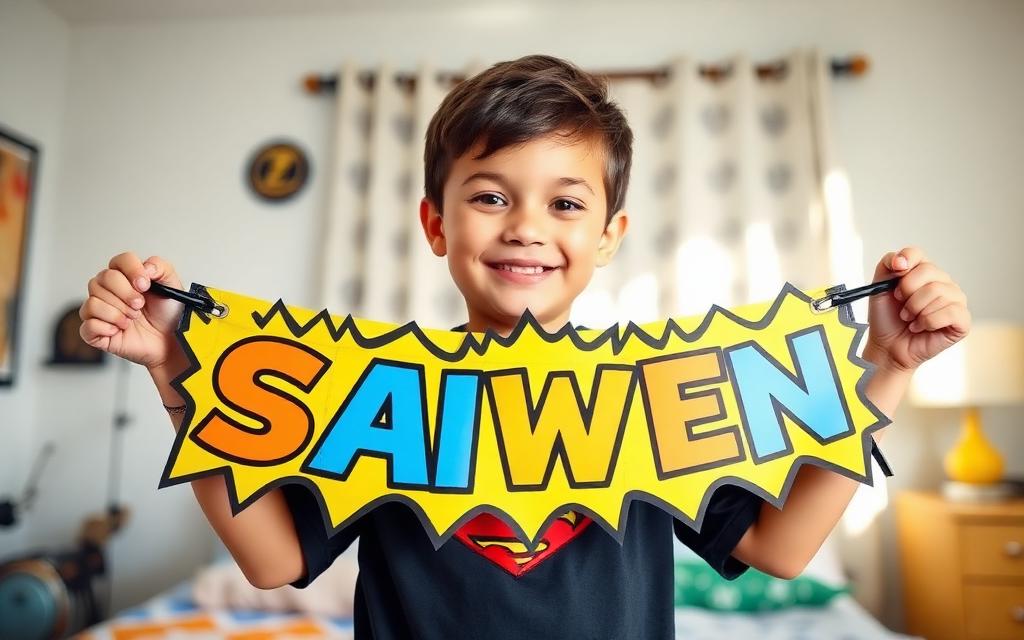
The Hero Shop has hero gear, kits, and banners. If your kid is a club member, the banner is personalized with their name automatically. If they're not, you can type in any name. The hero image always sits centered between the words on the banner.
Open the Hero Shop from the Rich Kids Club home page.
Pick a banner. Club members see their kid's name pre-filled.
Non-members can type a name and preview the banner live.
Add to cart and checkout — proceeds support Trinity Kits.
1On the Give page, choose a monthly amount (or skip it)2Your offering appears on the Kids Covered wall, anonymously3Earn the Kid Who Helps Kids badge
Membership is free. Families who can may set an optional monthly offering — five, ten, or thirty dollars. Each offering covers another kid who can't give that month. If a kid can't give, the platform covers them and shows them they were covered.
On the Give page, choose a monthly amount (or skip it).
Your offering appears on the Kids Covered wall, anonymously.
1Open the Leader Dashboard from the chapter page2Use the Outreach panel to invite unaffiliated club members3Approve or decline incoming join requests with one tap
Chapter leaders have their own dashboard. From there you can invite members, approve join requests, share videos, print the leader handbook, and download printable parent letters and meeting templates.
Open the Leader Dashboard from the chapter page.
Use the Outreach panel to invite unaffiliated club members.
Approve or decline incoming join requests with one tap.
Print the handbook, parent letter, or meeting template for any session.
1No stranger chat, ever2No algorithmic feed3No ads to kids
No public profiles. No direct messages. No comments. No infinite scroll. No ads aimed at your kid. Just three short hero missions a day — and one good reason to put the phone down after.
No stranger chat, ever.
No algorithmic feed.
No ads to kids.
Parental consent required for every group action involving a child.
You're ready.
Three heroes. Three short missions a day. One stronger kid.